 Image 1 of 4
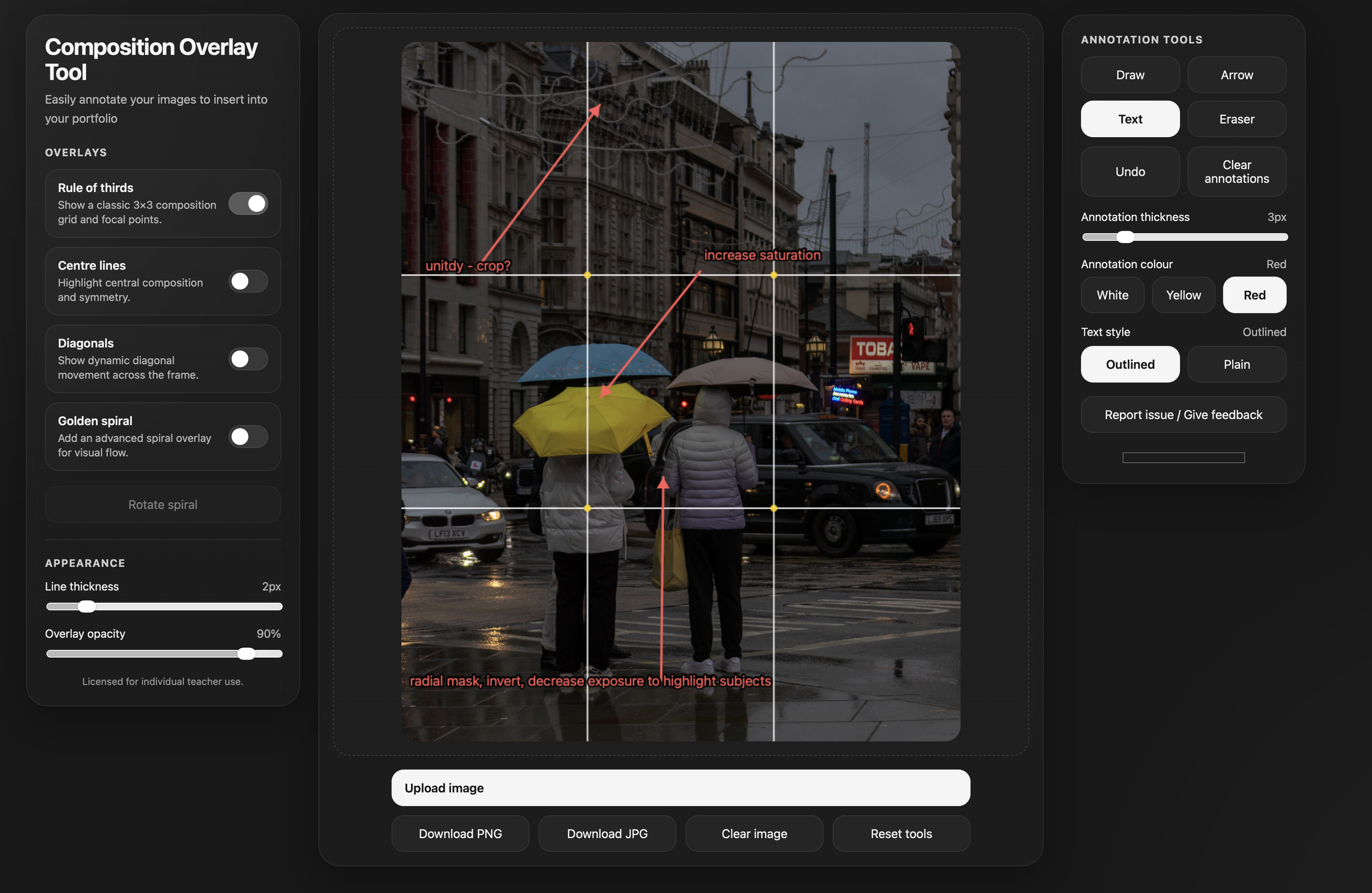 Image 2 of 4
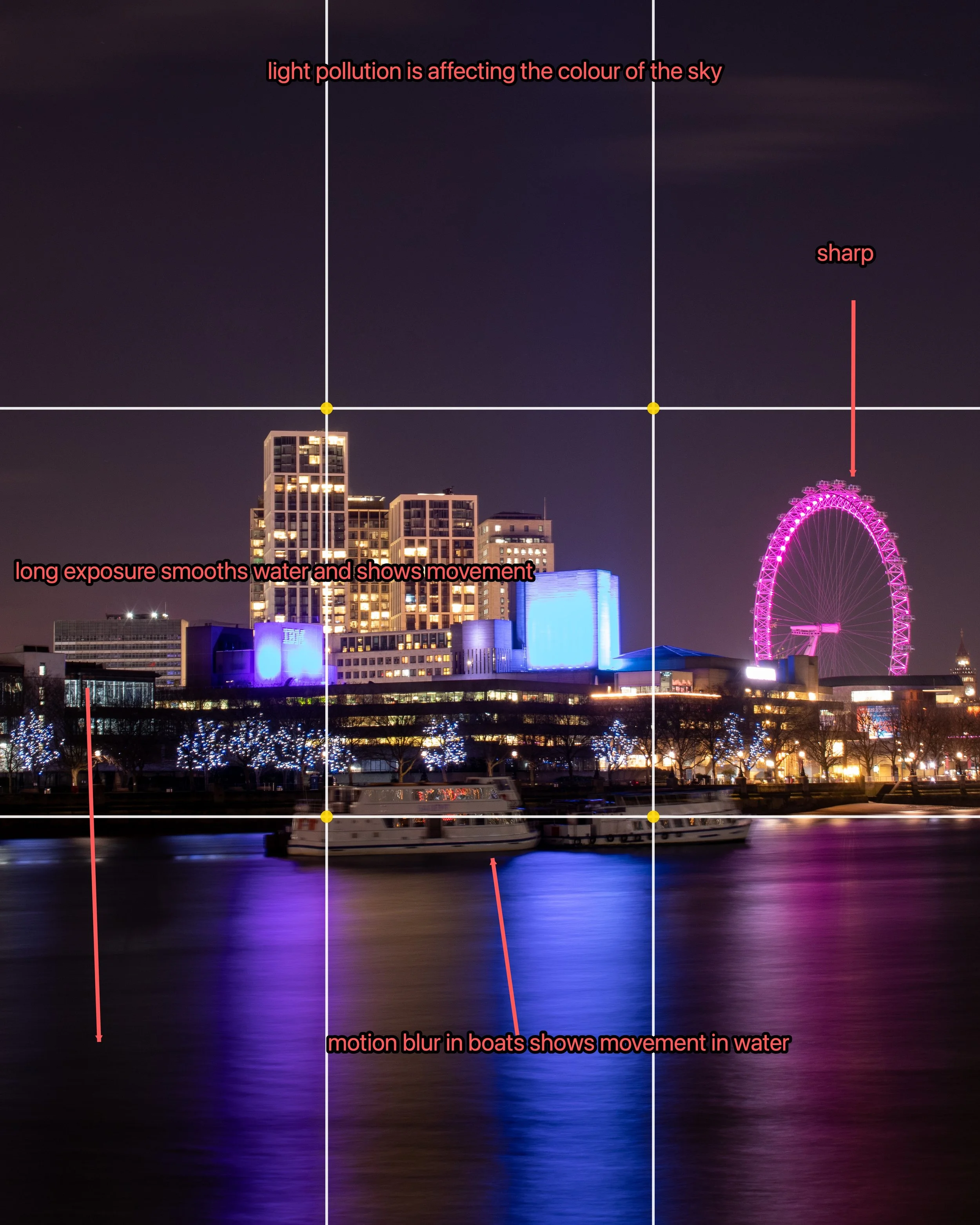 Image 3 of 4
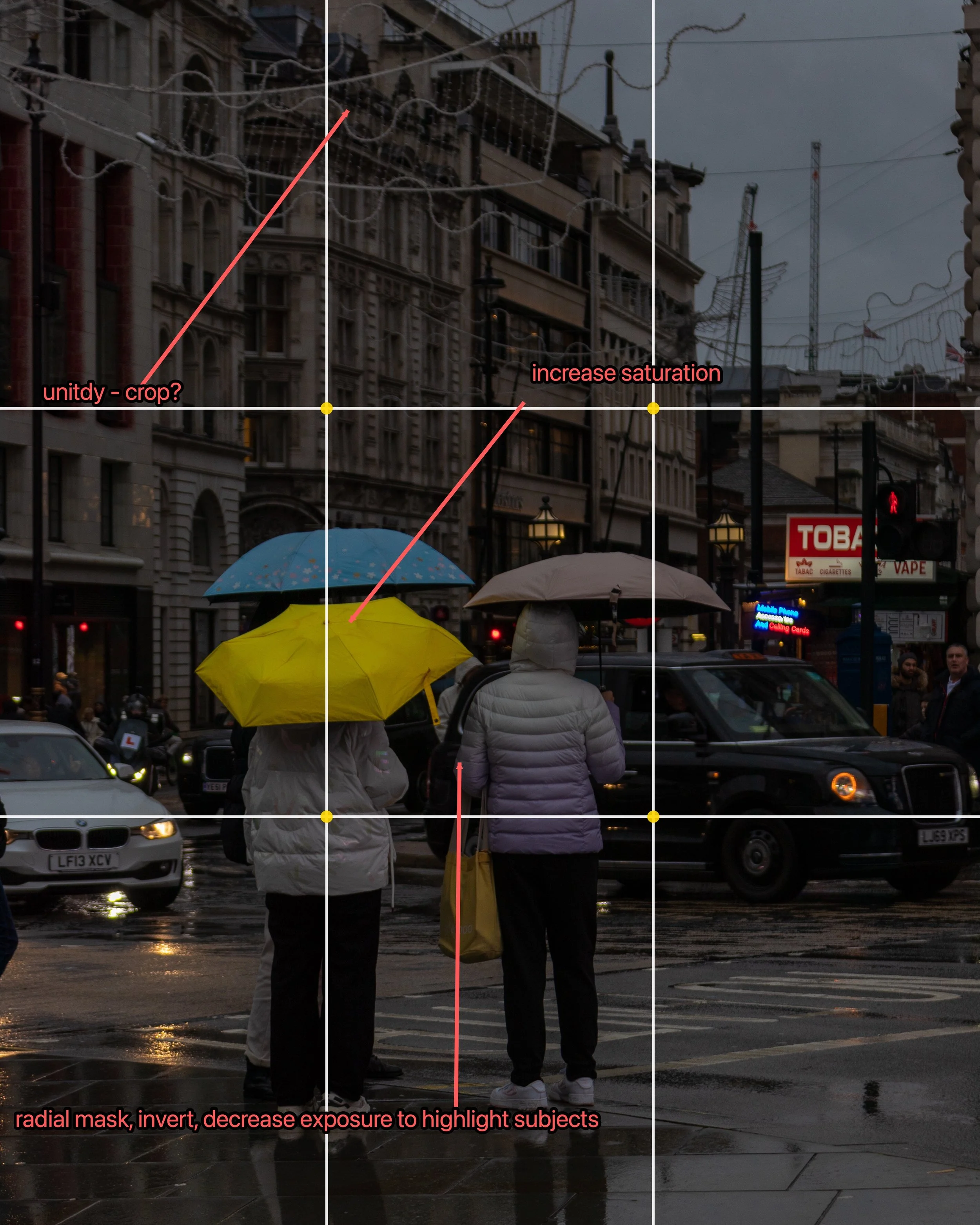 Image 4 of 4
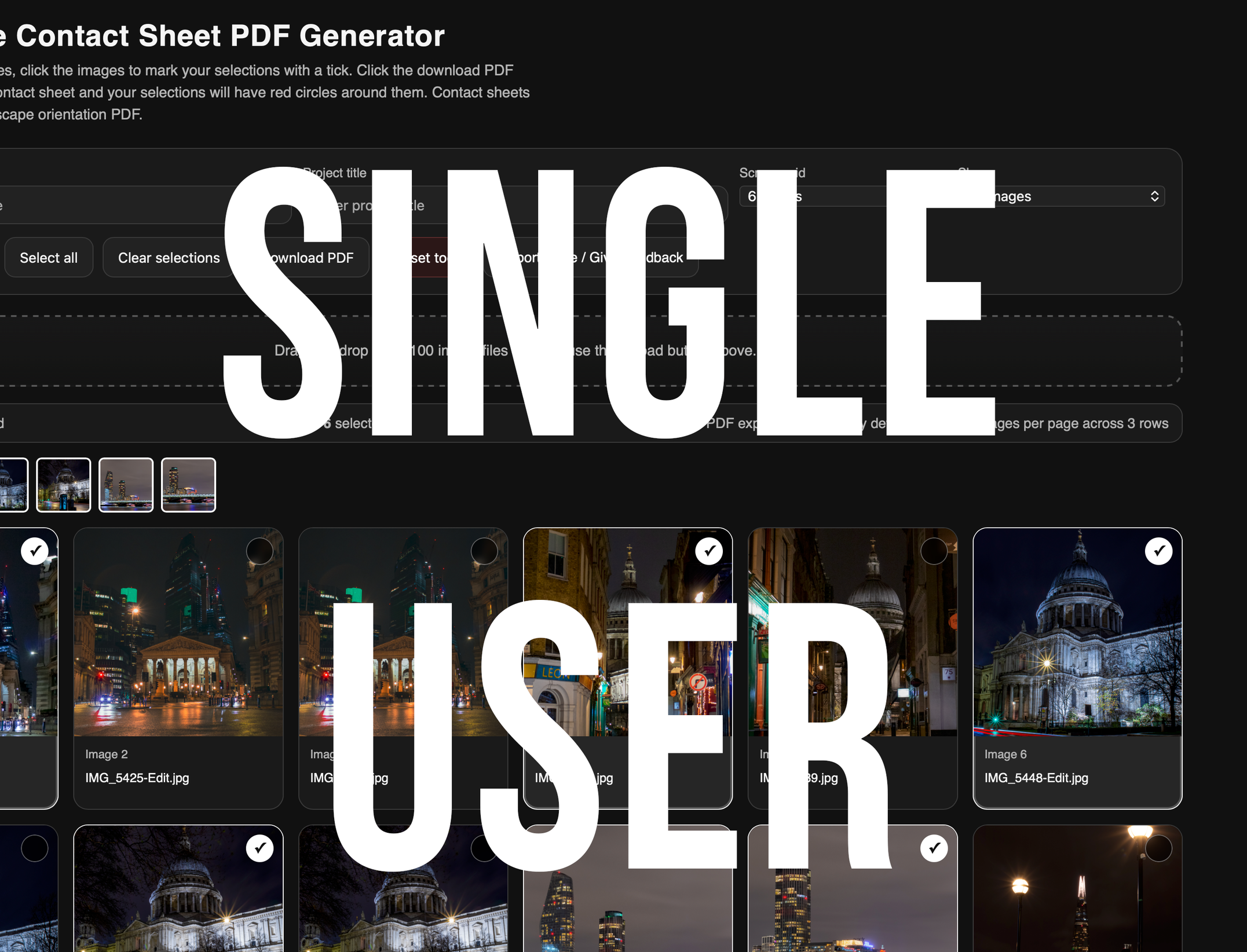
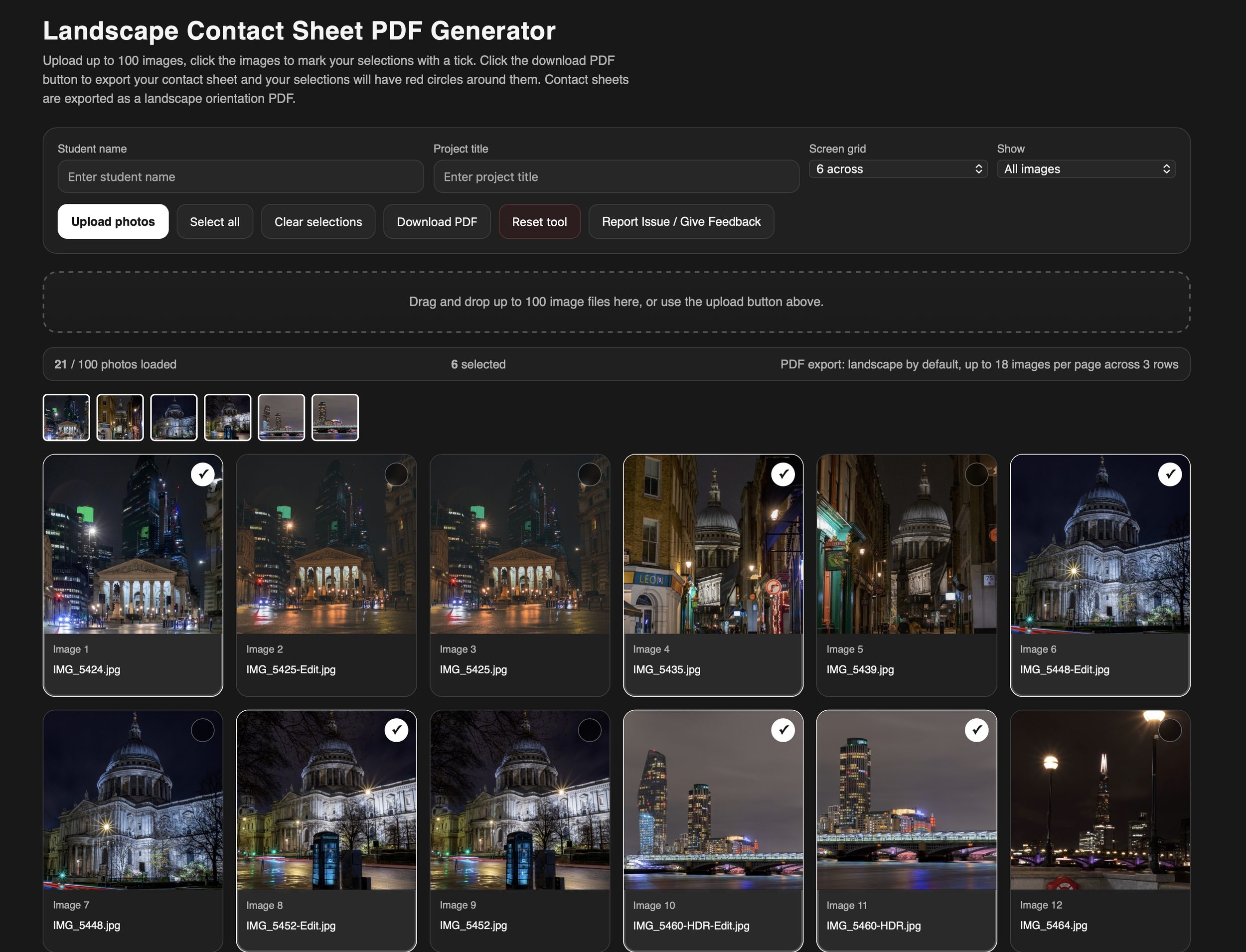
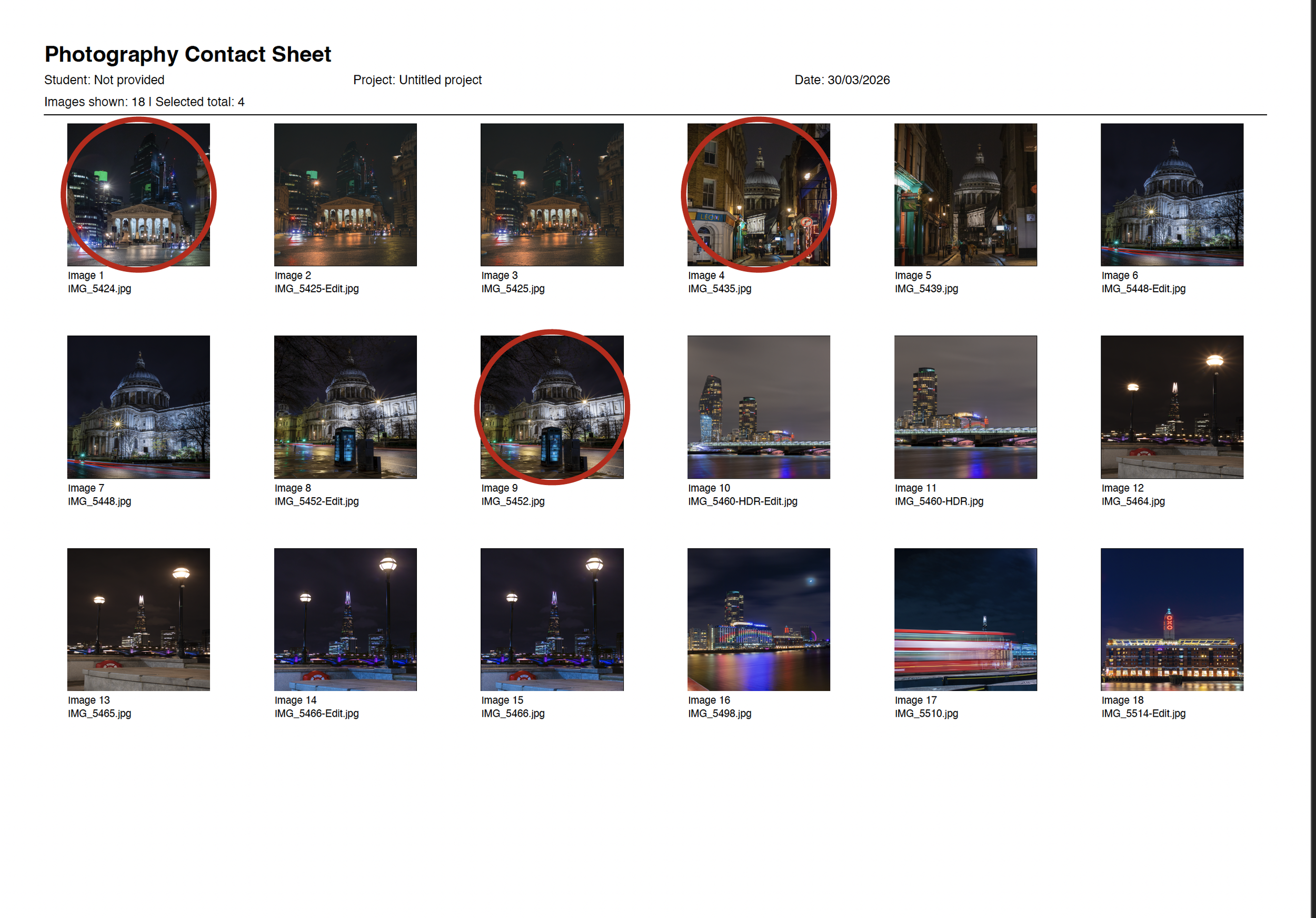
Composition Overlay Tool + Exposure Triangle Tool
Please not that this item will be delivered by email and will contain a link which lasts 24hours. All information explaining how to access the annotation tool is in this file.
Teach photography with clarity, confidence, and impact.
This all-in-one toolkit combines two powerful, browser-based tools designed to help you demonstrate, explain, and annotate photography concepts visually. Whether you're working with GCSE or A-Level students, delivering workshops, or supporting independent learners, this toolkit makes complex ideas simple and accessible.
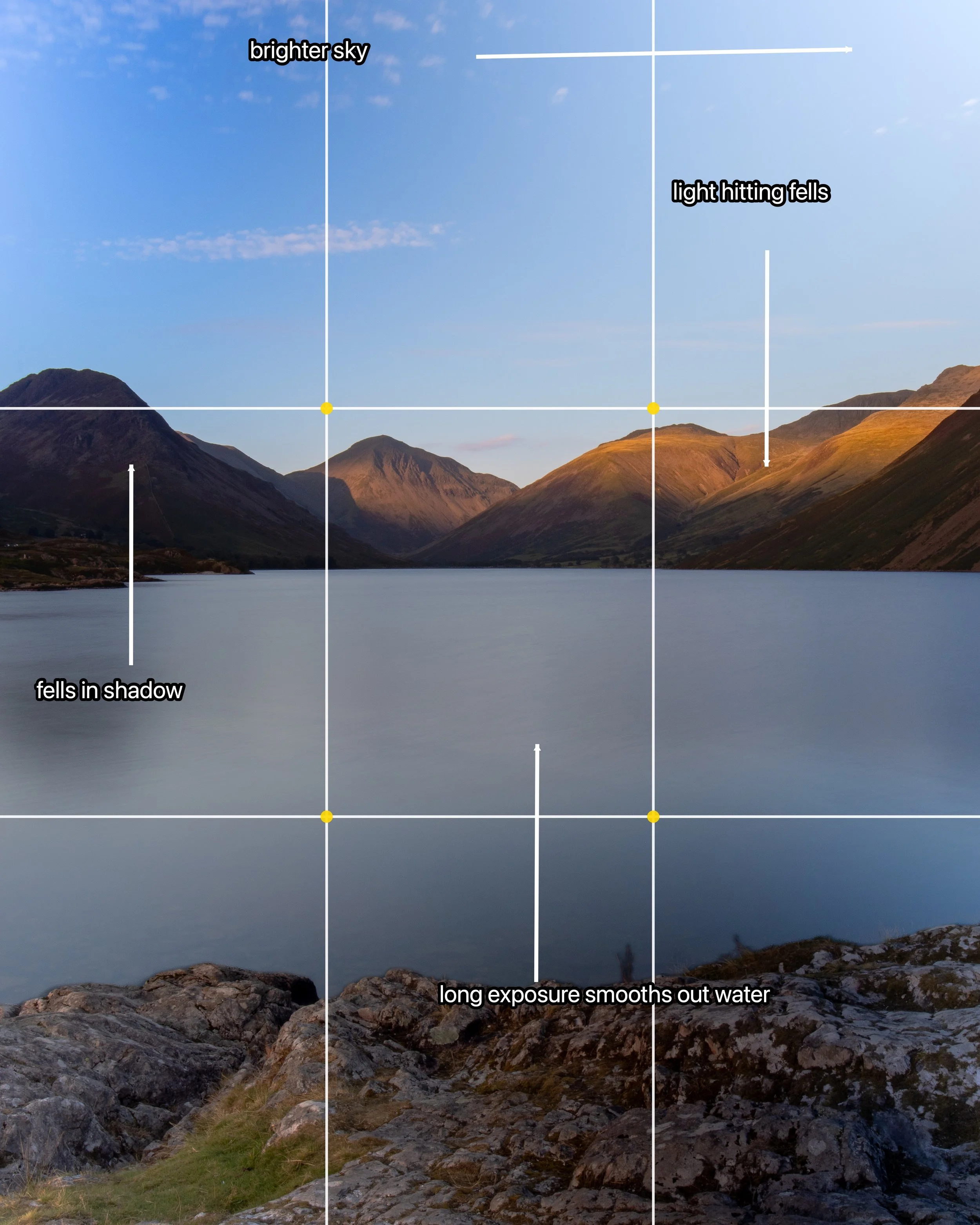
Upload any image and instantly apply professional composition guides, including:
Rule of thirds
Centre lines
Diagonals
Accurate golden spiral (with rotation)
Use built-in annotation tools to:
draw directly onto images
add arrows and directional flow
insert clear, readable text annotations
provide visual feedback instantly
Export annotated images as PNG or JPG for use in lessons, presentations, or student portfolios.
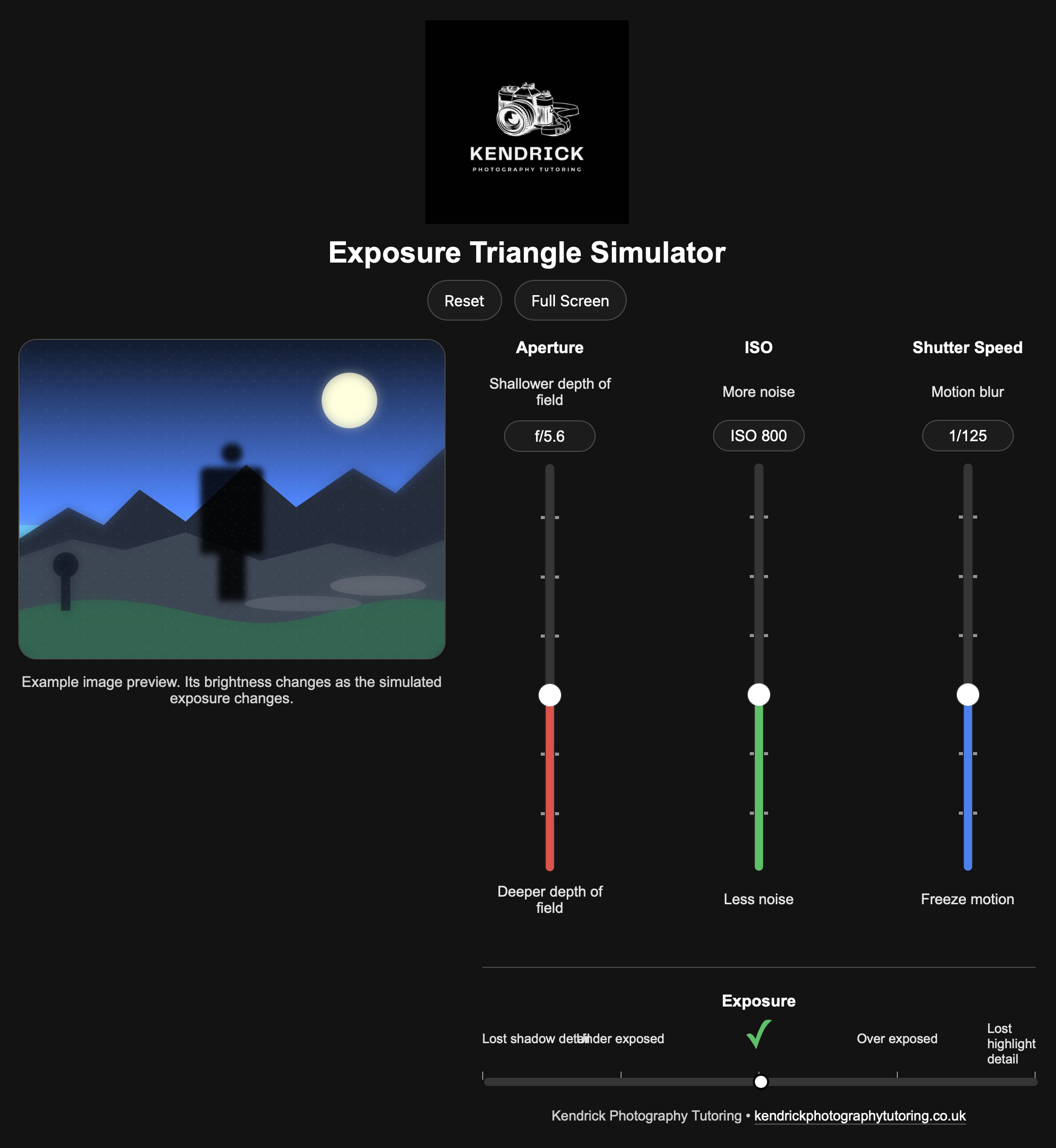
A clear, interactive visual tool designed to help students understand the relationship between:
Aperture
Shutter speed
ISO
Perfect for:
introducing exposure concepts
reinforcing understanding
supporting revision and independent study
Composition Overlay Tool + Exposure Triangle Tool
Please not that this item will be delivered by email and will contain a link which lasts 24hours. All information explaining how to access the annotation tool is in this file.
Teach photography with clarity, confidence, and impact.
This all-in-one toolkit combines two powerful, browser-based tools designed to help you demonstrate, explain, and annotate photography concepts visually. Whether you're working with GCSE or A-Level students, delivering workshops, or supporting independent learners, this toolkit makes complex ideas simple and accessible.
Upload any image and instantly apply professional composition guides, including:
Rule of thirds
Centre lines
Diagonals
Accurate golden spiral (with rotation)
Use built-in annotation tools to:
draw directly onto images
add arrows and directional flow
insert clear, readable text annotations
provide visual feedback instantly
Export annotated images as PNG or JPG for use in lessons, presentations, or student portfolios.
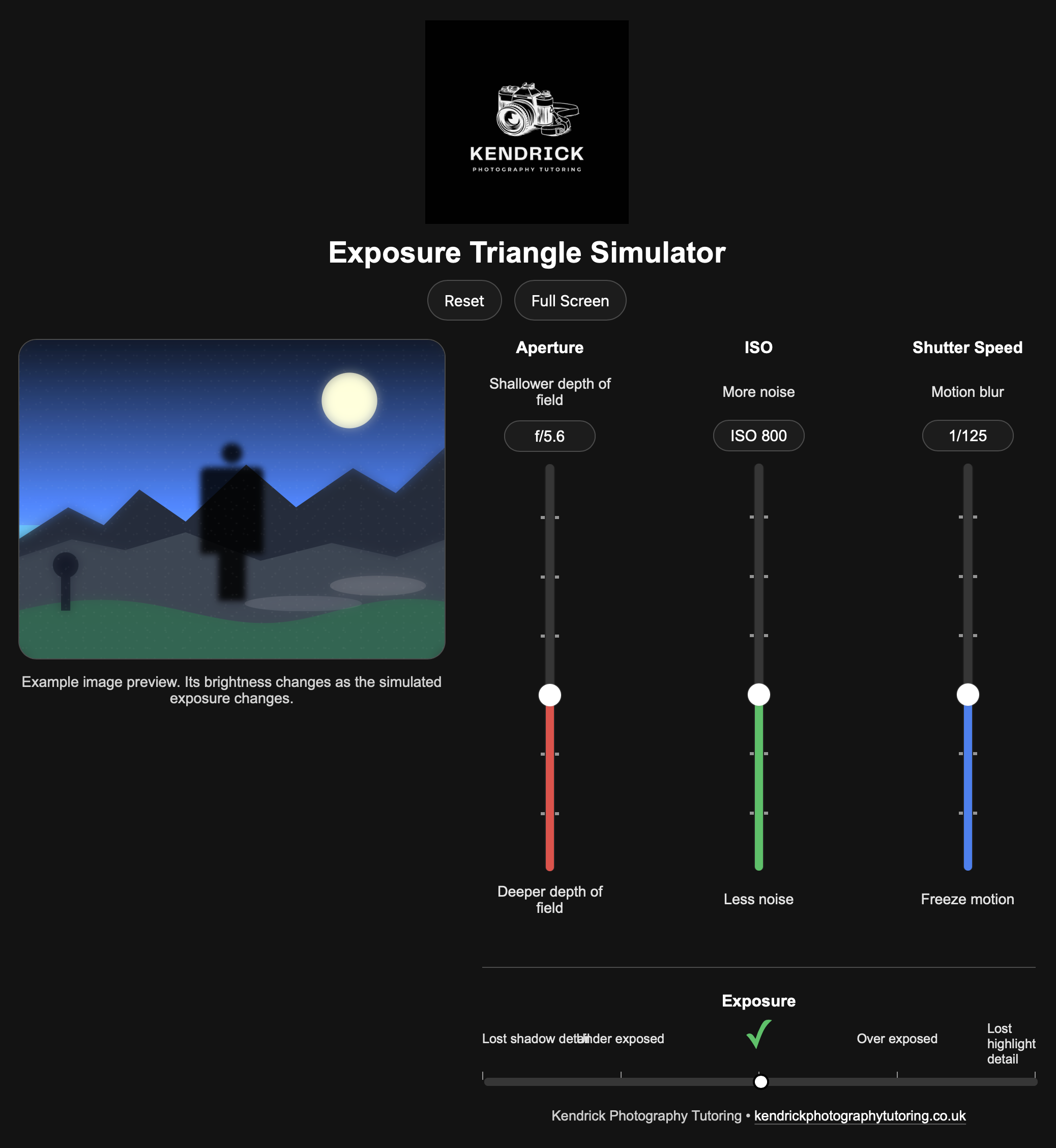
A clear, interactive visual tool designed to help students understand the relationship between:
Aperture
Shutter speed
ISO
Perfect for:
introducing exposure concepts
reinforcing understanding
supporting revision and independent study